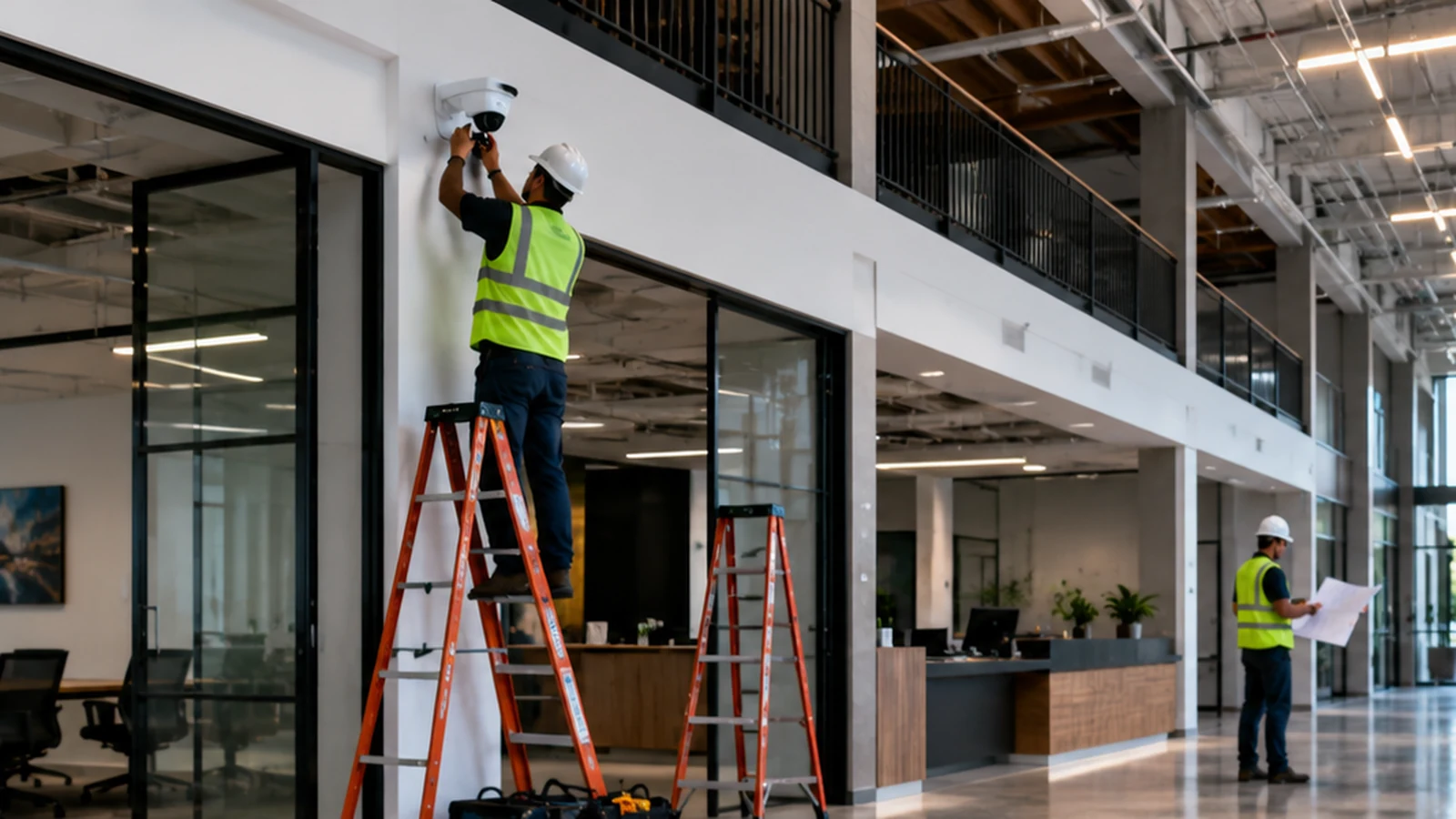
commercial security camera installation cost is best treated as a site-specific infrastructure budget, not a single price per camera. In current 2026 installer-published guidance, small professionally installed business systems can begin in the low thousands, while larger, higher-retention, multi-zone or integrated systems readily move into five figures.
For a commercial buyer, the most defensible planning range is broad. A 2026 installer guide from TechPro Security publishes $2,400–$5,700 for 4–8-camera small-business systems and $5,700–$13,500 for 12–20-camera systems; another 2026 installer guide from Militia Protection says many professionally installed commercial projects fall around $5,000–$25,000. These are vendor-published market observations, not an official Orange County average, not a standardized tariff, and not Starlight Cabling pricing. A credible quote must price the building, cabling, storage, network, mounting access, software and commissioning together.
The reason the range is wide is straightforward: two businesses with the same number of cameras can require completely different work. Eight interior cameras in a single-story office with an accessible drop ceiling and usable Ethernet pathways are not equivalent to eight exterior cameras on a warehouse with long cable routes, concrete penetrations, lift access, weatherproof junction boxes, low-light requirements and a new recorder. Camera count is only one multiplier.
For that reason, a useful answer to commercial security camera installation cost should separate published budget evidence from the project variables that actually create the quote. Current public information supports a “low-thousands to five-figures” planning frame for many small and midsize commercial systems, but it does not support calling one number the Orange County average. The better budgeting method is to define coverage objectives first, then count cameras, cable pathways, storage days, network changes and special installation conditions.
What the installed price actually contains
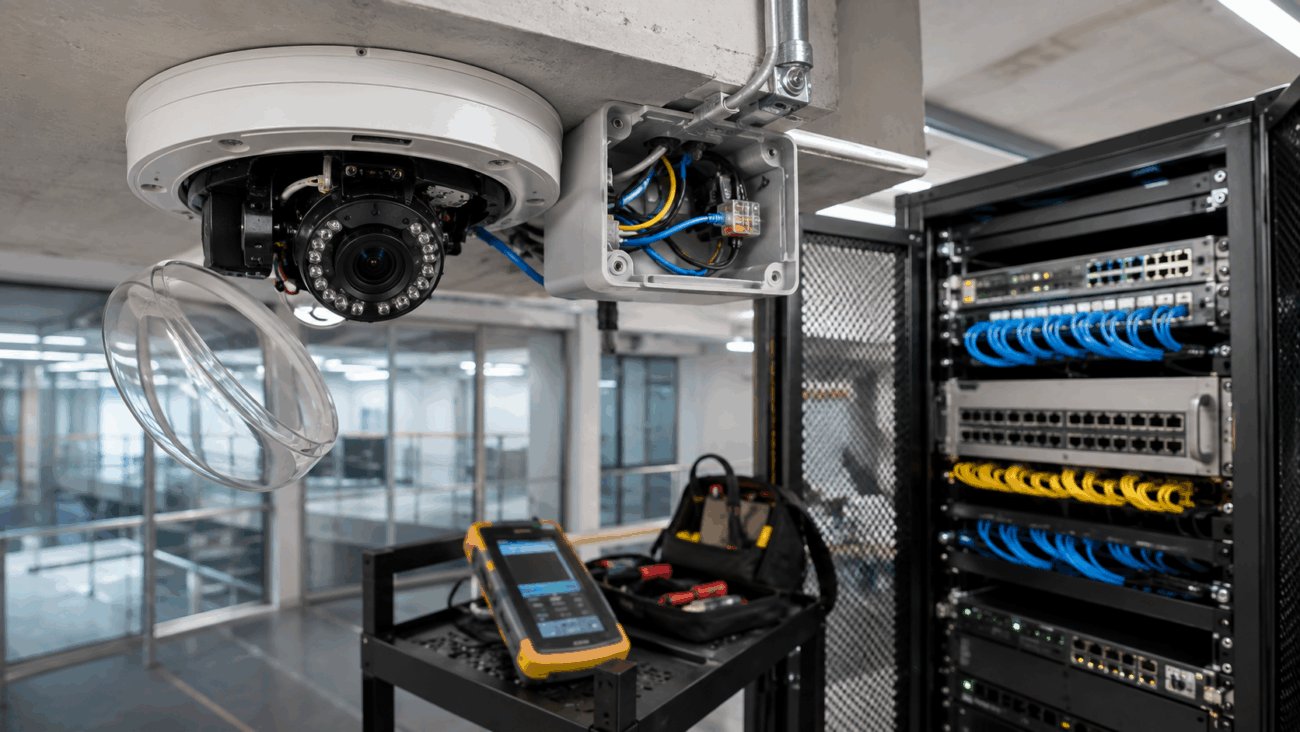
A commercial camera project is a small network-and-building project wrapped around video devices. The visible camera is only the endpoint. Behind it are cable, PoE switching, recorder or cloud architecture, storage media, mounts, patching, configuration, user permissions, remote access, testing and documentation. Manufacturer Axis makes the same total-cost point in its 2026 guidance: acquisition price is only one part of lifecycle cost, alongside implementation, storage, maintenance, operation, training and eventual replacement.
Project-specific equipment cost. Resolution, low-light performance, vandal resistance, weather rating, optical zoom, panoramic coverage, license-plate capture and analytics can move device cost sharply.
Project-specific infrastructure cost. New Cat6/Cat6A runs, pathways, conduit, patching, PoE switch capacity, network segmentation and fiber uplinks can matter as much as the camera hardware.
Project-specific capital or recurring cost. Retention days, camera bitrate, recording schedule, redundancy and whether footage is local, cloud-managed or hybrid determine storage spend.
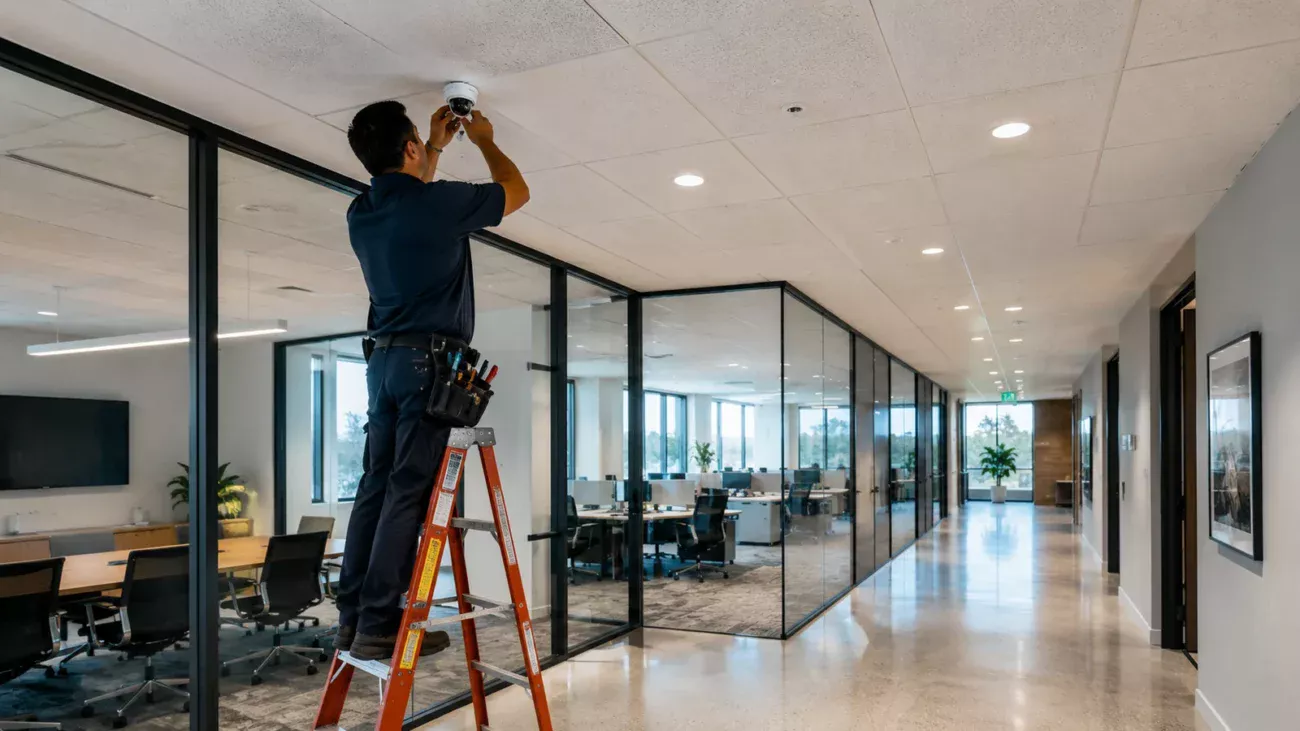
Project-specific labor cost. Ceiling type, cable distance, concrete or masonry, exterior sealing, ladder or lift work, occupied-space scheduling and after-hours access all change labor.
Project-specific one-time or recurring cost. VMS licensing, mobile/remote access, analytics, access-control integration, user roles and multi-site management may add implementation and subscription expense.
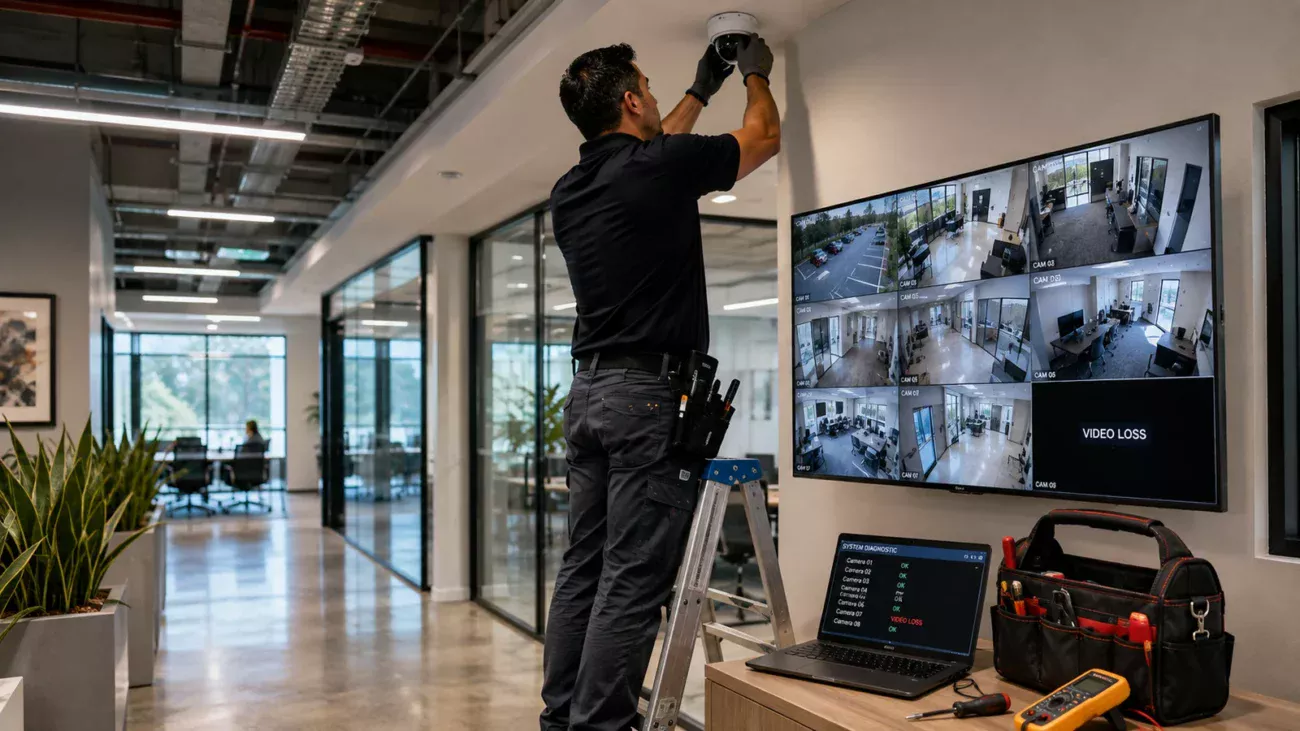
Project-specific professional-service cost. Aiming, focus, naming, time synchronization, firmware, password changes, permissions, retention checks, export testing and documentation are part of a usable system.
This cost anatomy also explains why a “camera price × camera count” estimate can be misleading. As a current retail illustration—not a system recommendation—Ubiquiti’s U.S. store lists its 4K PoE G6 Dome at $279 and its four-bay UNVR at $299 before the full project is considered. The recorder price does not include the cameras, hard drives, structured cabling, PoE switching, installation, labor, mounts or every accessory a site may need. Other commercial manufacturers and architectures can be materially more expensive.
The hardware snapshot is useful because it shows what retail pricing can and cannot tell you. A buyer may see a few hundred dollars of visible equipment online and assume the installation should be only modestly higher. In reality, commercial deployment converts individual products into a functioning, secured, maintainable system. That conversion is where building conditions and engineering scope become financially important.
A defensible 2026 budgeting range
There is no government-published Orange County price schedule for commercial CCTV installation, so market numbers should be described for what they are: public installer guidance. TechPro Security’s 2026 article places 4–8-camera small-business examples at $2,400–$5,700, 12–20-camera examples at $5,700–$13,500, and larger 20-plus-camera examples at $13,500–$58,000-plus. Militia Protection’s 2026 guide separately says many professionally installed business systems are in a $5,000–$25,000 band. The overlap is useful, but neither source is a neutral statistical survey of Orange County bids.
| Published benchmark | Reported range | How to use it |
|---|---|---|
| TechPro: 4–8-camera small business | $2,400–$5,700 | Vendor-published 2026 planning example; not local average. |
| TechPro: 12–20-camera business | $5,700–$13,500 | Useful directional benchmark when scope is broadly comparable. |
| TechPro: 20+ cameras | $13,500–$58,000+ | Shows how larger scopes widen quickly; integration and specialty hardware can exceed it. |
| Militia Protection: many commercial projects | $5,000–$25,000 | Cross-check only; source does not make this an Orange County median. |
The practical conclusion is that commercial security camera installation cost should be budgeted as a range until the site has been surveyed. A simple small office may align with the lower public examples. A warehouse, multi-floor office, parking area or mixed indoor/outdoor site can leave those ranges quickly if it needs long pathways, lifts, fiber, specialized optics, higher retention, redundant storage or integration with another security platform.
Labor deserves special caution. The U.S. Bureau of Labor Statistics reported a May 2023 mean wage of $31.34 per hour for Security and Fire Alarm Systems Installers in the Los Angeles–Long Beach–Anaheim metropolitan area. That is employee wage data, not a contractor billing rate. A customer-facing labor rate must also account for payroll burden, insurance, supervision, vehicles, travel, tools, lifts, project management, overhead and profit. Multiplying the BLS wage by estimated hours will therefore understate a professional installation quote.
The seven variables that move the quote most
1. Camera count and camera purpose
Camera count matters, but camera purpose matters more than buyers expect. A general overview camera, a narrow identification view, a parking-lot camera and a license-plate camera solve different problems. One carefully selected panoramic or multi-sensor camera can sometimes replace several conventional views, while a high-risk doorway may require a dedicated identification angle even when another camera already sees the area.
2. Existing cable pathways
An accessible suspended ceiling can make cable installation predictable. Hard ceilings, fire-rated assemblies, concrete, exterior walls, long warehouse trusses and finished architectural spaces can make the same camera count much more labor-intensive. Reusing existing cable may save money only if that cable is suitable, tested, correctly terminated and compatible with the new system. Starlight’s structured cabling service page provides additional context on the infrastructure side of these projects.
3. Mounting height and physical access
Height can create cost before the first cable is pulled. Exterior façades, warehouse rafters, loading docks and parking structures may require scissor lifts, boom lifts, traffic control, spotters or restricted work hours. These are not “camera features,” but they can dominate installation labor. A quote that does not identify access assumptions is difficult to compare with another quote fairly.
4. Retention and storage architecture
Thirty days of continuous 4K recording is a different storage problem from seven days of motion-based 1080p recording. Bitrate, codec, scene complexity, frame rate, recording schedule and retention policy all influence storage. Local NVRs require drives and possibly redundancy; cloud-managed systems can trade some capital expense for recurring subscriptions. Axis’s 2026 total-cost guidance specifically identifies storage and operational costs as items that should be modeled beyond the initial purchase.
5. PoE switching and network design
Modern IP cameras are network devices. A project may need PoE ports, sufficient power budget, VLAN design, uplink capacity, new rack space, patch panels or fiber between buildings. If an existing switch is full or cannot provide the required power, the camera project becomes a network upgrade too. This is one reason commercial security camera installation cost can change after a site survey even when the camera count stays fixed.
6. Software, analytics and integration
Basic live view and playback are inexpensive compared with advanced analytics, multi-site management, access-control integration or specialized event workflows. Some platforms license cameras or analytics annually; others bundle software with hardware. Buyers should compare three-year or five-year ownership cost, not only installed day-one price. A cheaper camera can be more expensive over time if its platform requires more storage, licenses or administrative labor.
7. Commissioning and cybersecurity
A system is not finished when the cameras produce an image. Secure commissioning includes changing default credentials, applying current firmware, establishing appropriate accounts and permissions, setting time synchronization, verifying remote access, testing exports and documenting the system. CISA guidance emphasizes eliminating default passwords and strengthening network visibility and hardening practices. Those tasks take time, but skipping them creates operational and security debt.
California’s Contractors State License Board describes the C-7 Low Voltage Systems classification as covering energy-limited systems up to 91 volts and explicitly includes closed-circuit video systems. Buyers should verify the applicable contractor license and scope for the actual project rather than infer qualification from marketing language. Separately, California Penal Code §632 restricts intentionally recording a confidential communication without the consent of all parties. If cameras have microphones, audio should therefore be treated as a distinct legal/configuration decision, not simply switched on by default.
The licensing point can affect procurement quality even when it does not produce a separate line item on the quote. The CSLB C-7 classification provides the official scope language. For audio, the current text of California Penal Code §632 is the primary reference. Site-specific legal questions should be reviewed with qualified counsel rather than resolved from an installation article.
How to compare commercial camera quotes
Two proposals with the same total can still represent very different systems. The fastest way to compare them is to normalize scope. Ask every bidder to show the camera model and quantity, recording architecture, storage capacity or retention assumption, cable type, switch requirements, mounting hardware, lift assumptions, software/licensing terms, warranty terms actually offered, commissioning scope and any exclusions. If one proposal includes network work and another assumes the network is ready, the totals are not comparable.
- Require a camera schedule: model, resolution, lens or field-of-view purpose, indoor/outdoor location and mounting method.
- Require a cabling scope: new versus reused cable, pathway assumptions, patching, testing and any conduit or core drilling.
- Require storage assumptions: retention days, continuous versus motion recording, redundancy and whether hard drives are included.
- Require network assumptions: PoE switch ports, available power budget, VLAN or segmentation work, rack space and uplinks.
- Require labor assumptions: normal hours versus after-hours work, lift or ladder access, occupied-space constraints and restoration.
- Require recurring-cost disclosure: cloud storage, VMS licenses, analytics, support plans or monitoring fees.
- Require commissioning detail: aiming, naming, firmware, passwords, user roles, mobile/remote access, export testing and handoff documentation.
This normalization process is also the best defense against an artificially low per-camera quote. A proposal can look inexpensive because it excludes hard drives, uses an existing switch without confirming PoE capacity, assumes easy cable routes, omits lift access or leaves configuration to the customer. The missing scope does not disappear; it simply returns later as change orders, extra hardware or reduced system capability.
A practical Orange County planning method
For an Orange County business, start with coverage and evidence objectives rather than a dollar target. Mark entrances, transaction areas, loading points, parking approaches, server or telecom rooms and other operationally important locations. Then decide where you need general awareness versus identification-quality detail. That exercise usually produces a more defensible camera count than simply dividing square footage by a rule of thumb.
Next, inspect the physical path from each camera to the network or recorder. Note ceiling access, construction type, cable distance, exterior transitions, conduit, high mounting points and lift needs. Then define retention and remote-access requirements. Only after those decisions should the project be priced. This sequence turns commercial security camera installation cost from a vague search query into a bill-of-materials and labor problem that a contractor can actually quote.
If the project is an upgrade, inventory what can genuinely be reused. Existing cameras, coax, Ethernet, PoE switches, racks, monitors and storage all have compatibility and condition questions. Reuse can reduce cost, but forcing new cameras onto marginal cabling or undersized switching can create a system that is cheap to install and expensive to troubleshoot.
Do not ask only, “How much per camera?” Ask, “What complete installed scope produces the coverage, retention and operating result we need?” That question exposes the cost drivers that otherwise remain hidden.
Starlight Cabling’s current security camera service page confirms that the company serves commercial CCTV needs in Orange County. This article does not infer a license, warranty, manufacturer partnership or pricing promise beyond what has been independently verified. For a project-specific number, the appropriate next step is a site assessment that converts the physical scope into a quote.
If you are budgeting a new system, retrofit or expansion, use Starlight Cabling’s verified contact page to request a site-specific assessment. The goal should be a scope that clearly identifies cameras, cabling, storage, network work, access conditions and recurring costs before installation begins.
Bottom line
The current evidence supports a broad planning answer, not a universal rate. Published 2026 installer examples put smaller business systems in the low-thousands and many commercial projects in a roughly $5,000–$25,000 band, while larger or more specialized systems can exceed that substantially. Those ranges are useful for early budgeting only.
The final commercial security camera installation cost is driven by the complete physical and technical scope: camera purpose, cable routes, mounting access, PoE switching, storage, software, integrations, cybersecurity and commissioning. If a quote is based only on camera quantity, it is probably describing only part of the project. A site-specific scope remains the most reliable way to turn a broad budget range into a number you can approve.
- California Contractors State License Board — C-7 Low Voltage Systems Contractor
- California Legislative Information — Penal Code §632
- U.S. Bureau of Labor Statistics — Security and Fire Alarm Systems Installers, May 2023
- Axis Communications — Security system total cost of ownership, February 3, 2026
- CISA — Enhanced Visibility and Hardening Guidance for Communications Infrastructure
- Ubiquiti U.S. Store — G6 Dome public product pricing inspected August 2026
- Ubiquiti U.S. Store — UNVR public product pricing inspected August 2026
- TechPro Security — 2026 business security camera cost guide
- Militia Protection — 2026 commercial security camera installation cost guide