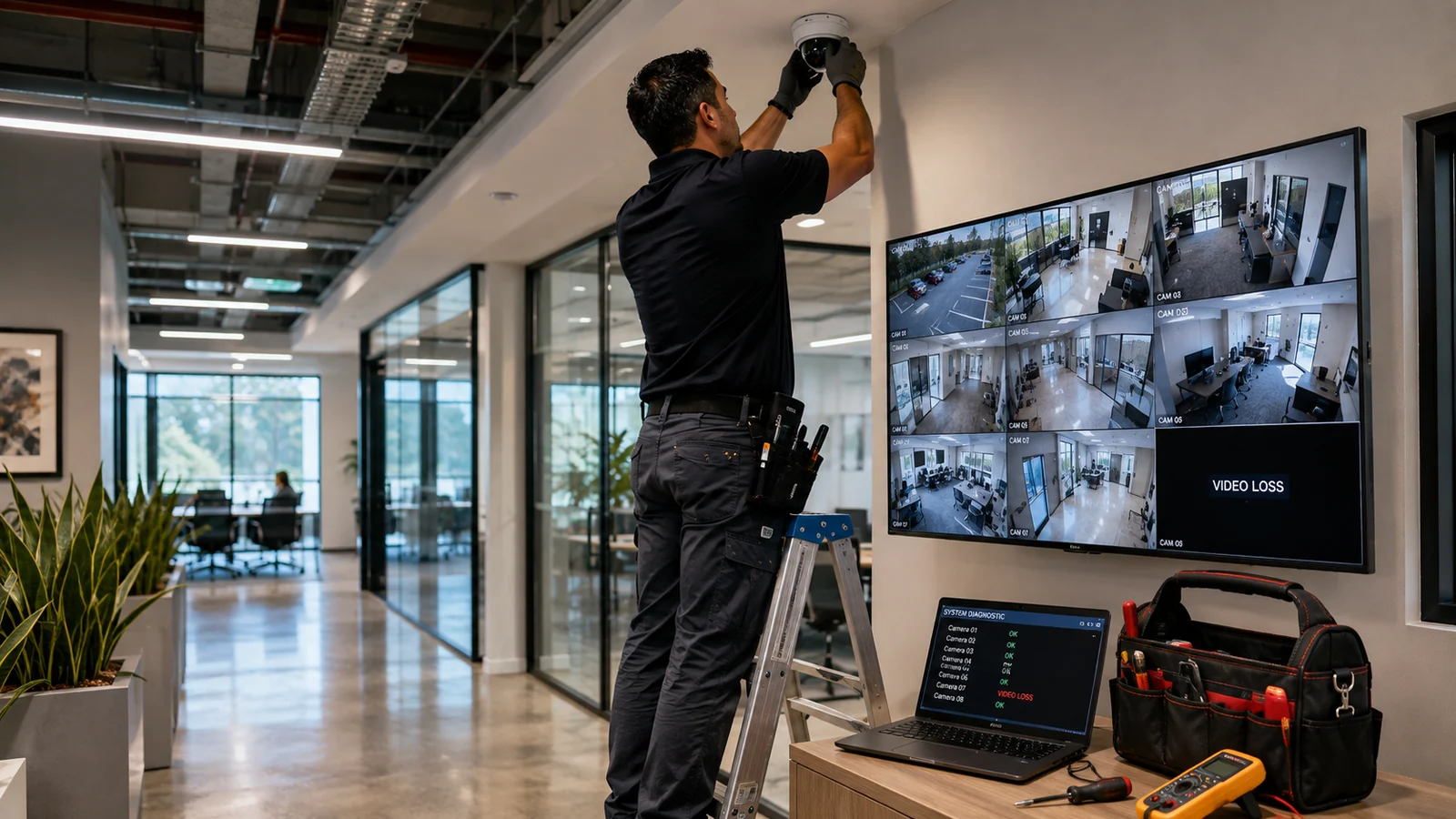
A security camera troubleshooting service should diagnose the surveillance system as a chain, not assume the camera itself has failed. In a commercial property, loss of video can originate at the power source, PoE switch or injector, copper cabling, patching, network configuration, recorder or video-management system, storage, credentials, firmware, or the camera. The fastest defensible repair process is therefore to classify the symptom, isolate the fault domain with measured checks, and replace hardware only after upstream dependencies have been ruled out.
That distinction matters when a business has one camera offline, several cameras dropping together, live video without recording, intermittent images, or remote viewing that fails while local viewing still works. Each symptom points toward a different part of the system. For businesses using IP video, Starlight Cabling’s current Security Camera service page confirms CCTV as a core service area, while its Structured Cabling service page is directly relevant when the fault is in the network path rather than the camera endpoint.
What a professional troubleshooting visit should isolate
A useful service call begins by defining the scope of failure. If only one camera is affected, the technician can compare it with known-good cameras on the same system. If all cameras on one switch disappear together, the common upstream switch, uplink, UPS, VLAN, or power source deserves attention before individual cameras. If every camera records locally but the mobile app is unavailable, the fault domain shifts again toward WAN connectivity, remote-access services, DNS, firewall policy, credentials, or the viewing client.
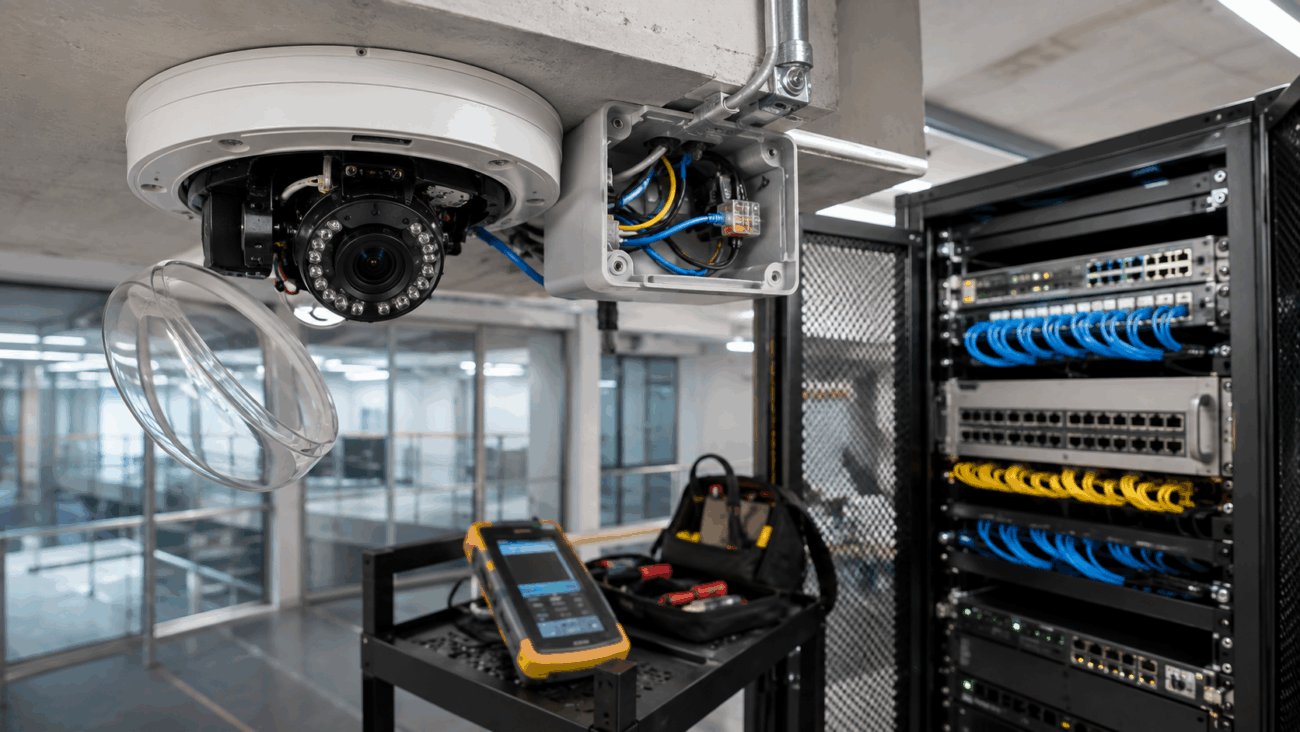
For PoE cameras, power and data share the copper Ethernet path. Cisco describes PoE as delivery of DC power over copper Ethernet cabling, and its switch troubleshooting guidance distinguishes the powered device from the power-sourcing equipment and the switch’s available power budget. That is why a camera can have a cable connected yet still fail because the port is not granting sufficient power, the switch budget is exhausted, the port is administratively disabled, or the cable cannot carry the negotiated load reliably.
Physical cabling also needs more than a quick visual check. A loose modular plug, damaged patch cord, bad termination, open conductor, short, split pair, excessive resistance, or damaged horizontal cable can produce symptoms that look like a camera fault. Fluke Networks’ PoE troubleshooting guidance specifically identifies opens, shorts, miswires, cable damage, and power-budget issues as possible causes and describes load testing as a way to verify what power is actually delivered through the link.
Classify the symptom
One camera, a group, all cameras, recording only, remote access only, or image-quality problem?
Verify power state
Check UPS/PDU, PoE port status or local power supply before changing configuration.
Verify physical link
Inspect patching, link indicators and cabling; substitute a known-good patch lead or test path where appropriate.
Verify network identity
Confirm expected IP address, VLAN, gateway/routing and absence of an address conflict.
Verify NVR / VMS
Check device status, credentials, channel configuration, stream settings, recording policy and storage health.
Isolate the endpoint
Test the camera on a known-good port/path, review logs and firmware, then repair, reconfigure or replace as evidence supports.
Need an existing commercial camera system isolated by fault domain?
For a business with offline cameras, recording gaps, PoE uncertainty or suspect network cabling, provide the system make/model, affected camera count and the symptom pattern when requesting service. That information makes the first diagnostic pass more efficient.
Symptoms that point to different fault domains
The observable symptom is useful because commercial camera systems have shared dependencies. It is not proof of root cause, but it helps order the checks. The matrix below avoids “camera is broken” as a default conclusion and instead pairs each symptom with a testable fault domain.
One IP camera completely offline
Several cameras on one switch fail together
Video drops or reboots intermittently
Live view works but recordings are missing
Local viewing works; remote viewing fails
Analog camera has power but no usable video
PoE, cabling and switch checks deserve measured evidence
On a PoE system, “the port light is on” is not a complete power test. The switch may detect a powered device yet still have a negotiation, allocation or power-budget problem. Cisco’s current Catalyst troubleshooting documentation notes that PoE capability by itself does not guarantee power assignment, and it distinguishes IEEE 802.3af, 802.3at and 802.3bt-related power modes. For a mixed commercial network with cameras, wireless access points and phones, the system-level power budget can matter as much as the rating of one port.
A service technician should therefore compare the camera’s power requirement with the actual port capability and switch budget, then test the cable path if delivery is questionable. A proper cabling test can distinguish physical defects from configuration faults. If a camera immediately becomes stable on a short known-good patch lead at the switch but fails on its installed horizontal run, that comparison materially narrows the fault domain. If the installed link tests clean under the required conditions, attention moves back toward the switch, network or camera.
For sites where camera faults repeatedly follow specific cable routes, a structured-cabling assessment may be more valuable than repeated camera replacement. That is also where the distinction between network-camera infrastructure and legacy analog topology matters. Starlight’s recent commercial security camera installation planning guide treats the camera project as an infrastructure and network-design problem; the troubleshooting method here applies the same systems thinking in reverse by testing each shared dependency independently.
Network and recorder faults can look exactly like camera faults
Axis’ network troubleshooting guidance is a useful manufacturer example because it explicitly treats switches, routers, cables and other network elements between sender and receiver as part of the fault path. In a commercial system, a technician may need to verify address assignment, VLAN membership, routing, gateway reachability, switch-port configuration, bandwidth pressure, firewall rules, DNS, time synchronization and credentials before declaring the endpoint defective.
The NVR or VMS is another separate domain. A camera can respond to its web interface and provide a live stream while the recorder is unable to authenticate, is requesting an unsupported stream profile, has the wrong credentials, has a disabled recording schedule, or has a storage problem. Conversely, a recorder may show an old thumbnail that makes a dead camera appear recently healthy. A good diagnostic sequence compares real-time device reachability, current live video, recorder status and actual playback.
Interoperability should also be verified when products from different manufacturers are mixed. ONVIF explains that conformant devices and clients use defined profiles to establish supported feature sets. Profile compatibility does not guarantee every proprietary feature, so a camera that streams basic video may still lack a vendor-specific analytic, event or recording function expected by the VMS. Check the exact models and supported profiles rather than treating “ONVIF” as a universal promise of identical features.
Firmware and cybersecurity checks belong after basic connectivity
Firmware can fix defects and security issues, but an update should not be the first blind action on an unexplained outage. Preserve current configuration and logs where feasible, identify the installed version, review manufacturer release notes and compatibility requirements, and confirm that the update source is legitimate. NIST’s IoT software-update guidance emphasizes authorized, secure and verifiable update mechanisms. In practice, that means a commercial service provider should avoid random firmware files and undocumented downgrades.
The same caution applies to factory resets. A reset can remove network settings, users, certificates, recording parameters or integration details and may convert a recoverable problem into a longer recommissioning task. Before using reset as a diagnostic action, preserve the configuration and logs where the platform allows it, document the current addressing and credentials, and have a restoration plan. Reset should be a controlled step after simpler dependencies have been tested, not a universal fix.
When repair becomes replacement
Replacement makes sense when evidence follows the device rather than the infrastructure, or when the existing platform can no longer meet the operational requirement. The decision should be based on isolation results, supportability and system compatibility—not simply age or the fact that a camera went offline once.
Camera works on a known-good port and cable
The endpoint can boot and stream when the original infrastructure is removed from the test.
Next direction: repair the original port, patching, cable path, PoE delivery or network configuration.
Camera fails on a known-good compatible path
Power, network path and recorder compatibility have been independently proved with suitable test conditions.
Next direction: inspect camera configuration/firmware, then repair or replace the endpoint if hardware failure is confirmed.
Many cameras fail through one shared component
The failure pattern follows a switch, uplink, UPS, recorder, VLAN or other common dependency.
Next direction: restore the shared component first; mass camera replacement is not evidence-based.
System is functional but no longer supportable
Required security updates, recorder compatibility, replacement parts or necessary features are unavailable for the installed platform.
Next direction: plan a controlled upgrade, preserving compatible cabling or infrastructure where testing supports reuse.
What to prepare before booking a security camera troubleshooting service
A small amount of site information can prevent the first visit from becoming a discovery exercise. Do not guess at technical details; provide what is known and let testing establish the rest.
- List the affected camera names or physical locations and whether the issue is constant or intermittent.
- State whether one camera, a group, or the entire system is affected.
- Record the first known failure time and any recent power outage, network change, switch replacement, firmware update, password change or construction work.
- Identify camera, NVR/DVR, VMS and PoE switch manufacturers/models where labels or administration records are available.
- Confirm whether local live view, playback and remote/mobile viewing fail together or independently.
- Provide authorized administrative access through the organization’s normal credential process; do not send passwords in unsecured notes.
- Identify any access constraints such as ceiling height, warehouse lifts, locked telecom rooms, after-hours windows or tenant restrictions.
For intermittent faults, preserve timestamps. Matching a video dropout to a switch log, UPS event or network change can be more informative than a later inspection after everything has recovered. For multi-site organizations, note whether the same application or recorder issue appears at multiple properties; a common software or remote-access dependency may be more likely than simultaneous local camera failures.
Related Starlight Cabling Guides
Sources and Verification
Troubleshoot Power over Ethernet on Catalyst 9000 Switches. Supports the distinction between powered devices, power-sourcing equipment, negotiation and switch power-budget troubleshooting.
Troubleshooting guide for network connection. Supports treating switches, routers, cabling and throughput as part of the camera-to-viewer path.
PoE Load Testing and Troubleshooting. Supports checking opens, shorts, miswiring, cable damage, PoE allocation and delivered power under load.
ONVIF Profiles. Supports profile-based feature compatibility and the need to verify exact conformance rather than assume universal multivendor feature support.
Software Update capability guidance. Supports secure, authorized and verifiable device-software update practices.
What to verify next
If the immediate goal is to restore service, start with the failure scope and the first shared dependency. One dead camera calls for a local port/cable/address comparison. A whole camera group calls for the shared switch, uplink, power source or recorder. Live video without recordings calls for recording policy and storage checks. Remote-only failure calls for the remote network and authentication path. This fault-domain approach reduces unnecessary camera swaps and produces a repair decision that can be explained and documented.
For a commercial security camera troubleshooting service, the best outcome is not merely “video came back.” The useful outcome is knowing why it failed, what was verified, what was changed, and whether the repair leaves a repeatable risk elsewhere in the system. That evidence is what turns a temporary reboot into maintainable surveillance infrastructure.