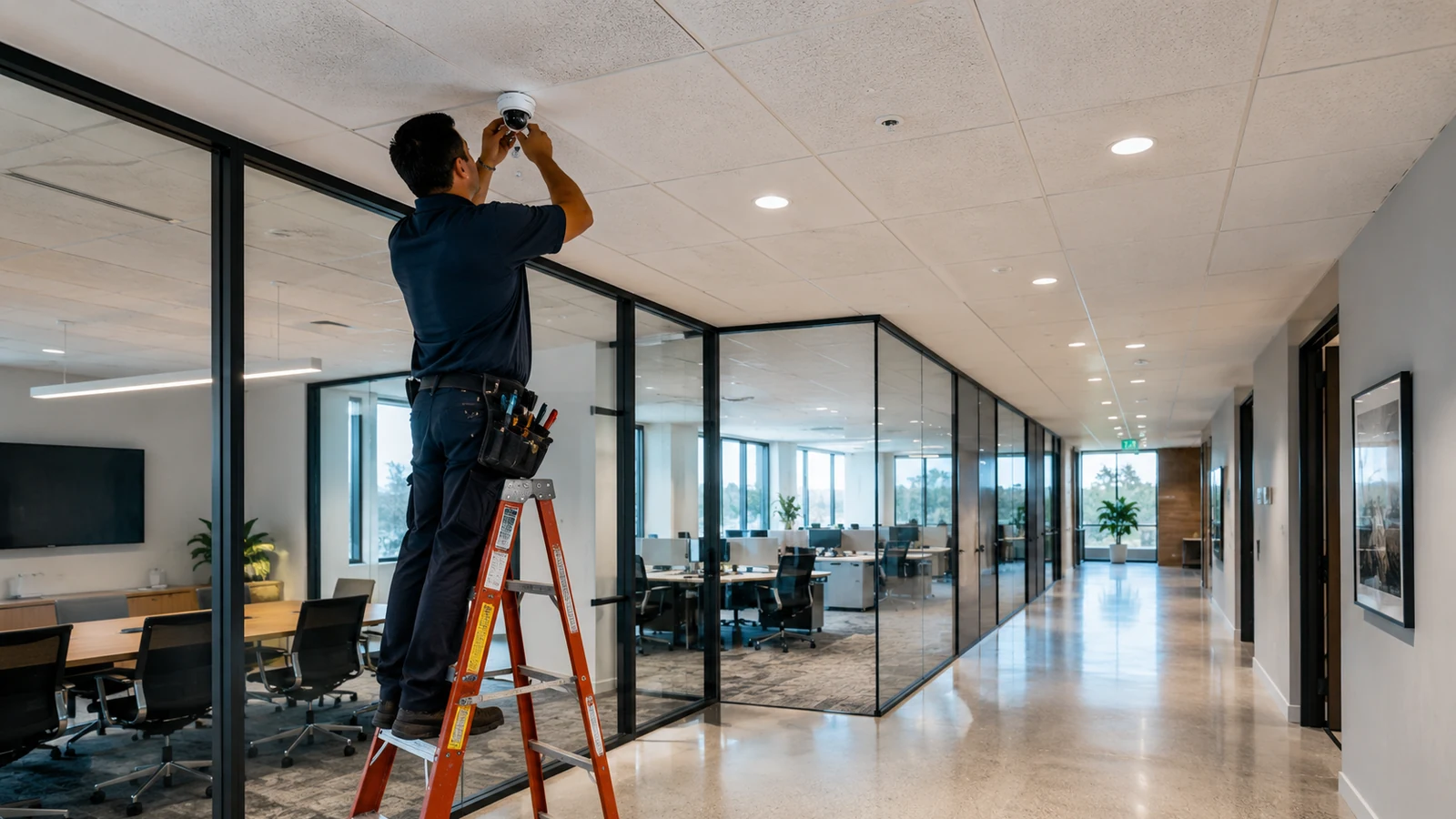
commercial security camera installation is not simply the act of mounting cameras. A reliable commercial system is a coordinated infrastructure project that joins coverage design, camera selection, structured cabling, Power over Ethernet, switching, recording, storage, cybersecurity, privacy requirements, commissioning and long-term serviceability into one documented system.
For most businesses, commercial security camera installation should begin with a site survey and an operational question: what events must the system let staff detect, investigate or verify? From there, the project team can define fields of view, mounting positions, low-light needs, network paths, PoE capacity, recording architecture, retention, user access and cybersecurity. The installation is successful only when the recorded evidence is usable, the network is supportable and the finished system can be maintained without guesswork.
What commercial security camera installation should include
A commercial video-surveillance project normally spans more disciplines than the camera hardware itself. The visible device on the wall or ceiling is only the endpoint. Behind it are cable routes, network ports, PoE power, switch capacity, recording services, storage, credentials, time synchronization, remote-access controls and operational policies. If any of those layers are treated as an afterthought, a camera can technically be “online” while still failing the business purpose that justified it.
A good survey does not ask only “how many cameras?” It asks what a person reviewing footage must be able to see. A wide overview camera may show movement through a lobby but not provide the same detail as a narrower view intended to identify a person at a controlled entry. A loading dock may need usable images across strong daylight contrast. A warehouse aisle may need a different lens, mounting height and lighting strategy than a reception desk. Camera count is therefore an output of coverage design, not the starting assumption.
Start with the site, not the camera catalog
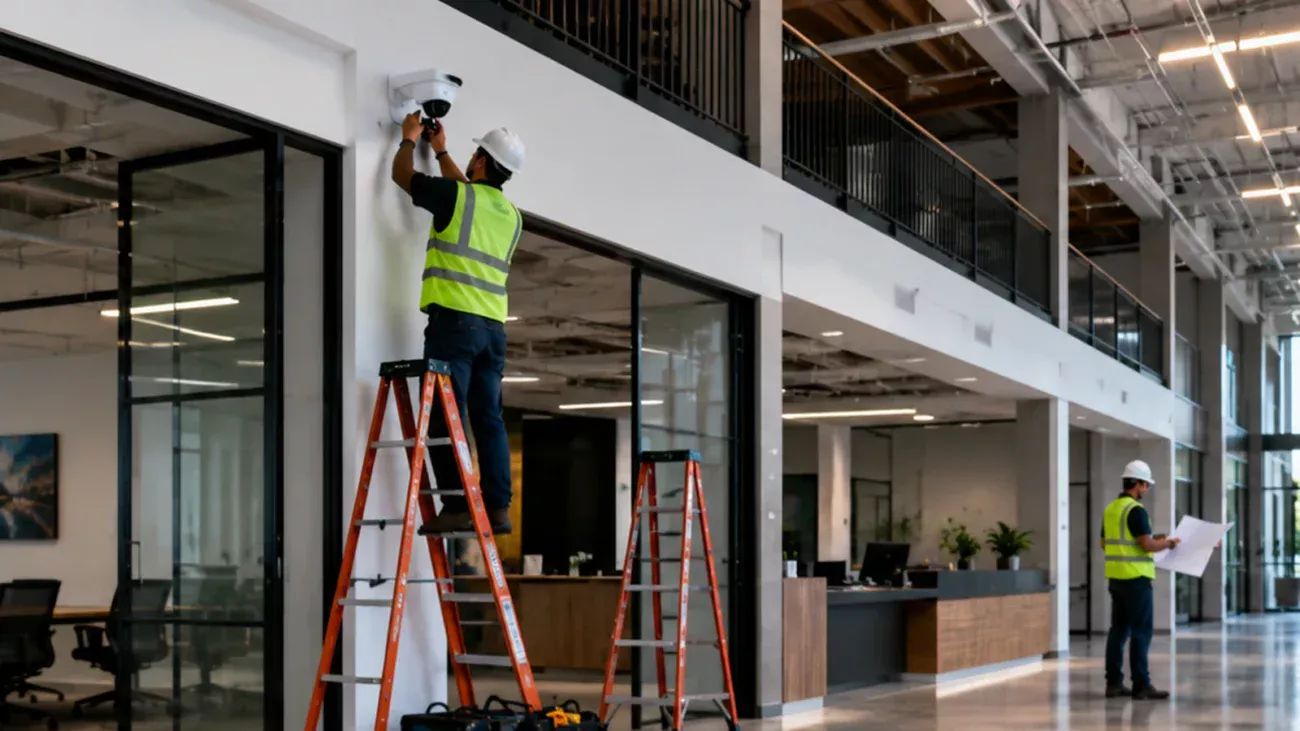
The fastest way to overspend is to select models before understanding the building. During a site survey, the installer should inspect ceiling type, wall construction, exposed structure, exterior mounting conditions, existing cable pathways, telecom-room location, available rack space, switch infrastructure and the practical route between each camera position and the network. In an occupied Orange County office or retail site, work hours, ceiling access, dust control and tenant coordination may matter as much as the camera specification.
For IP video, cable distance and pathway decisions affect reliability and future support. Where structured cabling is part of the project, it is useful to treat the video system as one branch of the larger communications infrastructure. Starlight Cabling’s current structured cabling service page describes its cabling work in Orange County and Southern California, while its security camera service page addresses business CCTV. Linking the two scopes during planning reduces the chance that camera placement and network-pathway decisions conflict later.
Do not assume an existing LAN is automatically ready for video. Confirm port availability, PoE capacity, uplink utilization, addressing, switching policy, remote-access method, rack space and who will own administration after handoff.
Design the IP video network as security infrastructure
Modern business cameras are networked computing devices. That makes the surveillance LAN part of the organization’s cyber-risk surface. NIST’s IoT Device Cybersecurity Capability Core Baseline identifies capabilities such as device identification, secure configuration, data protection, controlled logical access and software updating as foundational considerations for connected devices. For procurement, that translates into practical questions: can devices be uniquely managed, patched, restricted, audited and retired cleanly?
Network segmentation is also a common hardening measure. Axis, for example, recommends reducing local network exposure through physical separation, VLANs or IP filtering in its current Camera Station Pro hardening guidance. That is manufacturer guidance, not California law, but the design principle is broadly useful: cameras should not have unnecessary access to unrelated business systems, and users should not receive broader camera or recorder privileges than their roles require.
Interoperability deserves the same scrutiny. ONVIF announced in October 2025 that it is ending support for Profile S and recommending Profile T as its replacement, citing more current cybersecurity expectations and newer video capabilities. For new multi-vendor projects, review ONVIF’s current Profile S transition guidance and verify the exact conformant product models rather than relying on a generic “ONVIF compatible” label.
At handoff, the owner should know which network contains the cameras, who administers device and VMS accounts, how firmware is updated, how remote access is provided, where recordings live, how exports are performed and what happens when an employee or contractor no longer needs access.
Recording and storage should follow the operational question
Retention is not a meaningful specification by itself. A useful recording design starts with resolution, frame rate, scene complexity, compression, recording schedule, camera count and the business retention policy, then sizes storage with appropriate overhead and resilience. Two cameras with the same resolution can generate materially different storage demand if one watches a quiet hallway and another watches a busy loading yard with constant motion and changing light.
The same logic applies to recording location. An on-premises NVR or VMS can offer local control and predictable internal bandwidth. Cloud-managed systems can reduce some on-site server requirements and simplify multi-site access. Hybrid designs can combine local recording with selected remote services. None is automatically superior. The correct architecture depends on outage tolerance, IT policy, recurring-service preferences, retention, export workflow, cybersecurity controls and whether multiple facilities must be administered centrally.
California licensing and privacy checks belong in the scope
Commercial surveillance work can cross licensing, workplace privacy and data-governance boundaries. California’s Contractors State License Board defines the C-7 Low Voltage Systems classification to include closed-circuit video systems among the communication and low-voltage systems it covers. CSLB also states that a contractor must hold a current valid license when a project requires a building permit, uses employee labor or workers, or is valued at $1,000 or more in combined labor and materials. Buyers can confirm status through the official CSLB contractor-license lookup. Those rules describe California licensing generally; they do not establish the license status of any particular company unless that company is separately verified in the database.
Camera location and audio capability also require care. California Labor Code section 435 prohibits an employer from causing audio or video recording of an employee in a restroom, locker room or employer-designated changing room unless authorized by court order. Separately, Penal Code section 632 restricts intentional recording of confidential communications without the consent of all parties. For many commercial deployments, the simplest risk-reduction step is to disable camera microphones unless there is a defined, reviewed business reason to use audio.
California privacy obligations can also reach employment-related data. The California Privacy Protection Agency states that CCPA rights include California-resident employees and job applicants, while the law applies only to businesses meeting its statutory criteria. The agency’s current CCPA FAQ explains both coverage thresholds and resident rights. A covered organization should coordinate camera deployment with its privacy, HR and legal processes rather than treating video as an isolated facilities purchase.
Do not place workplace cameras in restrooms, locker rooms or employer-designated changing rooms. Treat audio as a separate legal design decision. For other locations, confirm applicable privacy, labor, industry and local requirements for the specific facility and use case.
A practical commercial security camera installation workflow
A disciplined project moves from requirements to verification in a sequence that can be documented. That sequence matters because early assumptions affect every downstream layer.
- Define the security use cases. Identify the events the system must help detect or investigate and which stakeholders will use live or recorded video.
- Survey the facility. Record candidate views, mounting conditions, lighting, pathways, network-room location and existing infrastructure.
- Engineer coverage. Select lens and camera characteristics for each scene rather than using one model everywhere for convenience.
- Plan cabling and power. Map every run, pathway, patching location, switch port and PoE requirement before installation.
- Design recording and access. Set retention, storage, user roles, remote-access method and export procedures.
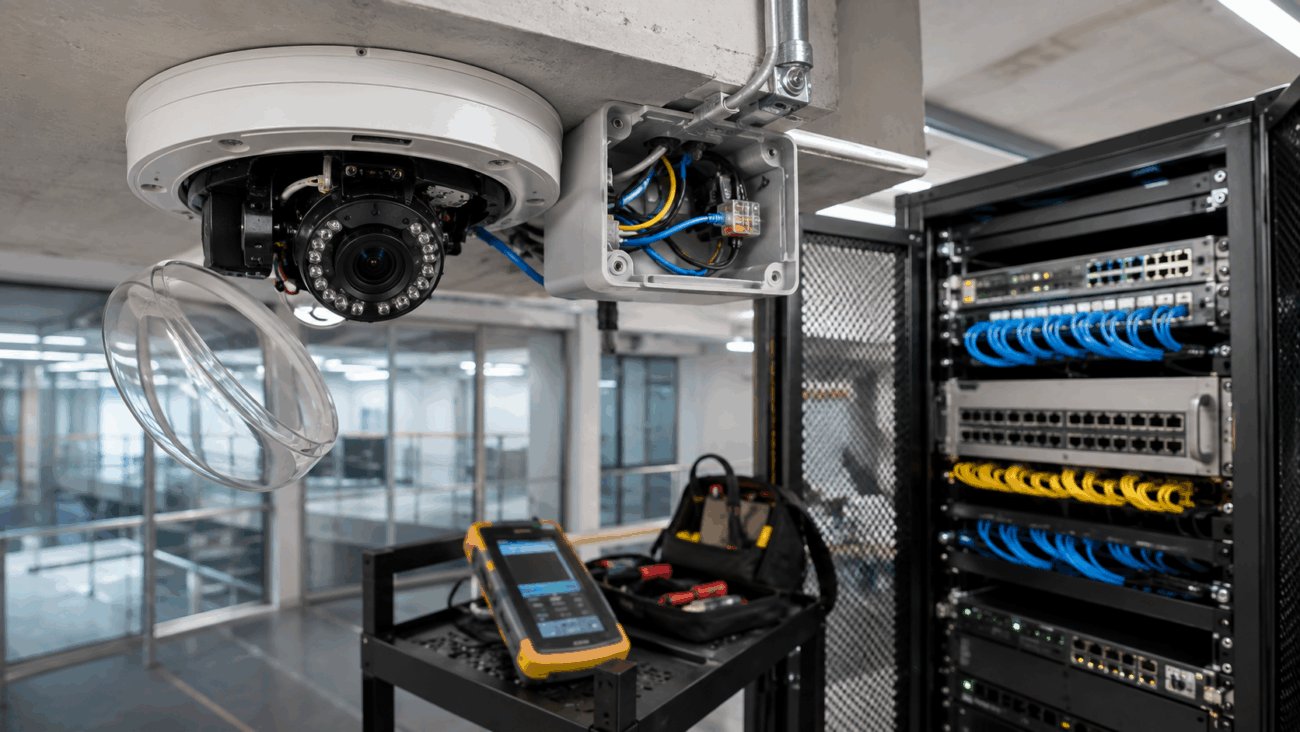
- Install and label. Mount securely, protect cable entries, terminate cleanly, label endpoints and keep rack work serviceable.
- Configure and harden. Change default credentials, update supported firmware, restrict access and document the network.
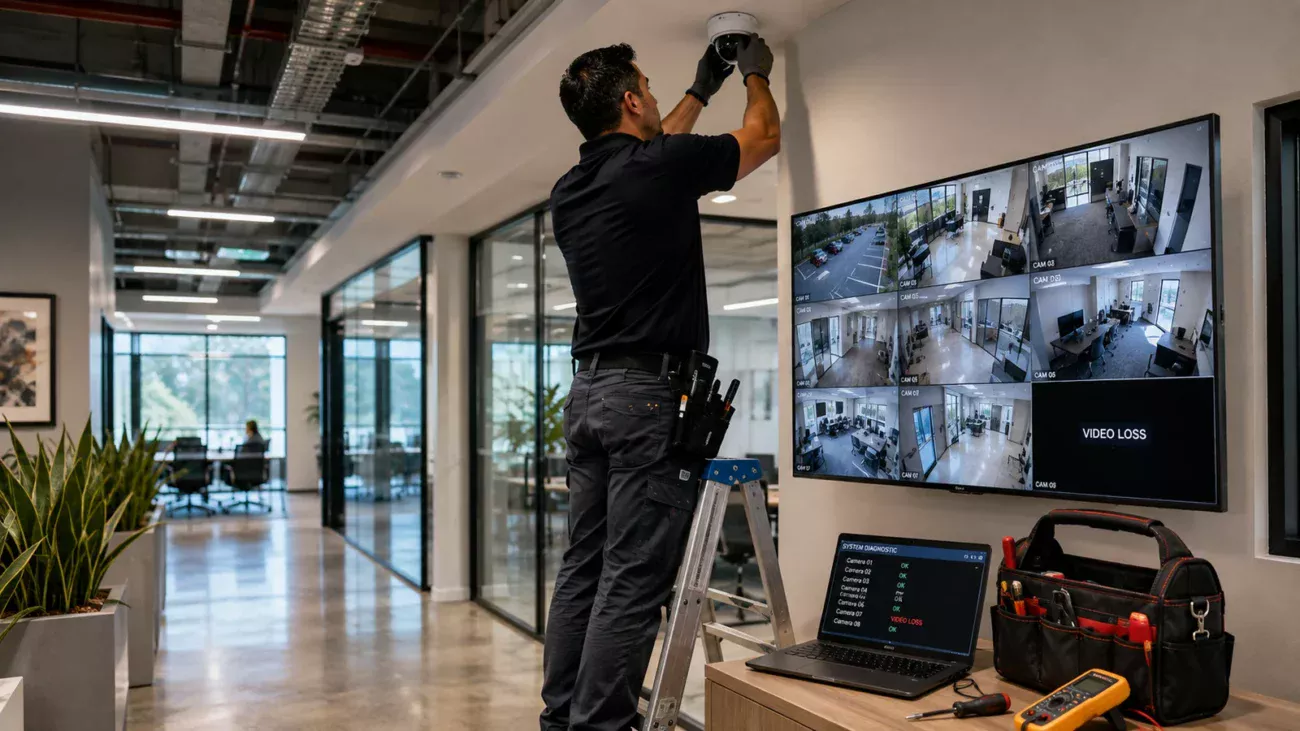
- Commission in real conditions. Test day and night scenes, motion, focus, playback, time accuracy, exports, failover assumptions and authorized remote viewing.
Commissioning is where a professional commercial security camera installation becomes measurable. “Camera online” is not an acceptance criterion. A useful acceptance test checks whether the intended subject is visible at the required moment, whether recorded playback is clear, whether timestamps are correct, whether storage behaves as designed, whether users can find and export footage, and whether unauthorized users are blocked.
Retrofit projects need a different kind of diligence
Existing systems often contain hidden constraints: abandoned coax, undocumented Ethernet, unmanaged switches, overloaded PoE budgets, unsupported firmware, weak credentials, inaccessible junction boxes or cameras added over the years without a consistent naming scheme. Before reusing infrastructure, verify it. Reuse can save money, but only when the old pathway, cable, switch, recorder and software stack can support the new design without carrying forward reliability or cybersecurity debt.
A retrofit survey should also distinguish what must remain operational during cutover. Warehouses, hotels, retail sites and multi-tenant properties may not be able to tolerate a full surveillance outage. A staged migration—new switching and recording first, then camera groups—can make the change easier to control. Where analog cameras remain serviceable, encoders or hybrid recorders may sometimes provide a transition path, but that should be evaluated against lifecycle, support and future expansion rather than chosen automatically.
What should be in the proposal and handoff
A commercial quote is easier to compare when the scope is explicit. Ask for camera quantities and models, mounting accessories, recording platform, storage assumptions, network switches, cabling category, pathways, rack work, licensing or subscription items, installation labor, configuration, testing, training and any exclusions. If lifts, permits, after-hours work, patching or electrical work are outside the low-voltage scope, that should be visible before the project starts.
| Document | Why it matters | Minimum useful content |
|---|---|---|
| Camera schedule | Defines each endpoint | Name, location, model, view purpose |
| Network record | Supports IT operations | Switch/port, VLAN or subnet, addressing approach |
| As-built plan | Reduces future troubleshooting | Final device locations and cable pathways |
| Credential handoff | Clarifies ownership | Admin roles, password-transfer process, recovery method |
| Acceptance record | Shows commissioning results | Views tested, playback/export checks, open issues |
The handoff should leave the owner less dependent on tribal knowledge, not more. Document camera names, physical locations, switch ports, recorder/VMS details, support contacts, account ownership, firmware/update responsibility and the agreed retention policy. If the building changes later, that documentation is what allows the next technician or IT administrator to work efficiently.
If you are planning commercial security camera installation for an office, warehouse, retail property or other commercial facility in Orange County, Starlight Cabling can review the physical site, cabling pathways and CCTV/network requirements before equipment is finalized.
Questions to ask before approving the project
- What event or evidentiary goal does each camera position serve?
- Which existing cables, switches or racks are being reused, and how were they verified?
- What is the PoE budget, and how much capacity remains for expansion?
- How are cameras isolated from unrelated business systems?
- Who owns administrator credentials and the firmware-update process?
- What assumptions were used for recording retention and storage?
- How will remote access work without unnecessarily exposing cameras to the public internet?
- What privacy or audio-recording review has been completed for the intended locations?
- What commissioning tests define an acceptable finished system?
- What documentation will be delivered at handoff?
These questions also make proposals easier to compare. A lower bid may omit cabling remediation, switch upgrades, storage, lifts, after-hours labor, documentation or commissioning that another bidder has included. Compare equivalent scope before comparing total price.
The standard for a maintainable system
The strongest commercial security camera installation is not necessarily the one with the most cameras, the highest resolution or the longest feature list. It is the system in which every camera has a defined purpose, every cable has a known path, every device has a supportable network position, every recording policy has an owner and every authorized user can retrieve the footage they actually need.
For new construction, build those requirements into coordination with architects, electrical contractors, IT teams and construction schedules early. For an occupied retrofit, prioritize verification of existing infrastructure and a cutover plan. In both cases, insist on commissioning and documentation. The value of the system is realized months or years after installation, when an incident happens, a camera fails, an employee leaves, a network is changed or another site must be added.
That is the practical standard for commercial security camera installation: engineered coverage, supportable infrastructure, controlled access, legally considered deployment and a handoff that the business can operate with confidence.
Related Starlight Cabling Guides
Sources and Verification
- California Contractors State License Board — C-7 Low Voltage Systems Contractor classification.
- California Contractors State License Board — licensing threshold and contractor guidance.
- California Legislative Information — Labor Code section 435.
- California Legislative Information — Penal Code section 632.
- California Privacy Protection Agency — current CCPA FAQ.
- NIST — IoT Device Cybersecurity Capability Core Baseline.
- ONVIF — 2025 Profile S transition and Profile T recommendation.