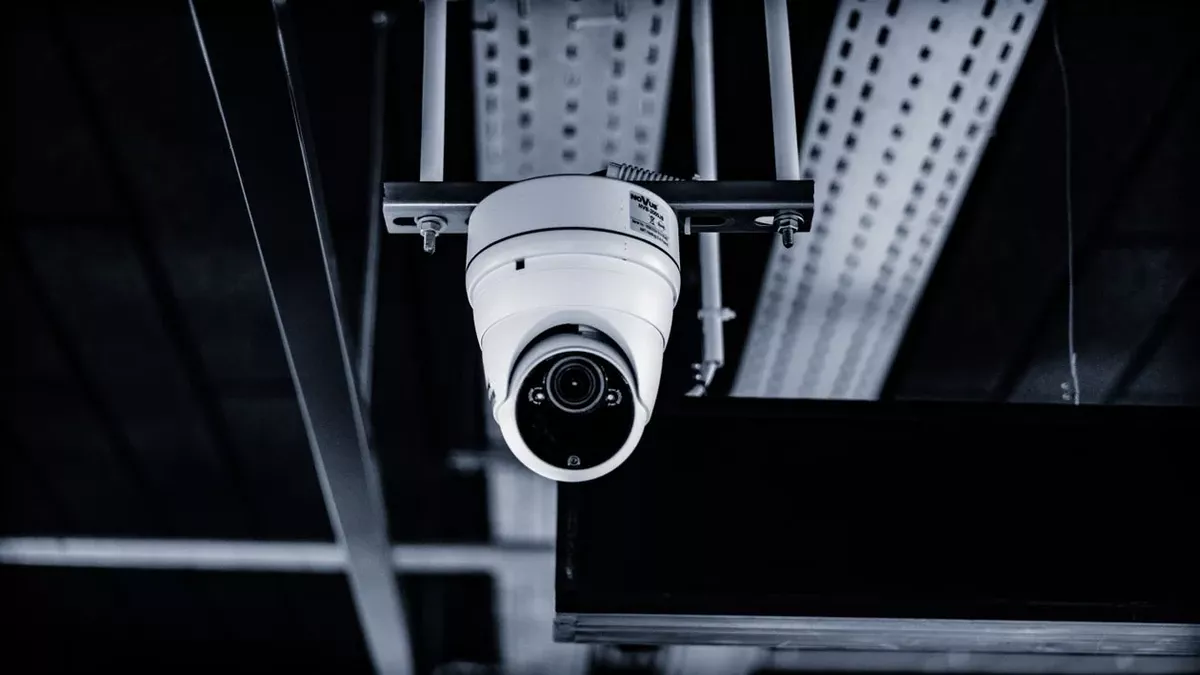
commercial security camera installation is an infrastructure project, not a camera-mounting exercise. A dependable business system begins with the events the organization needs to see, then translates those requirements into camera views, mounting conditions, cable pathways, PoE capacity, recording and storage, cybersecurity, privacy controls, commissioning and documentation. The practical goal is not simply to make cameras appear online; it is to deliver usable evidence, supportable network infrastructure and a system that facilities, security and IT teams can operate after handoff.
For most commercial properties, commercial security camera installation should start with a documented site survey and a coverage brief: what incident, transaction, entry, asset movement or operational condition must each view help verify? From there, the project team can select the lens and camera for each scene, prove the mounting and cable route, size PoE and switching, define the recording architecture and retention policy, harden network access, then commission the system under real day and night conditions. A quote that specifies only camera quantity and model numbers is incomplete.
What commercial security camera installation should include
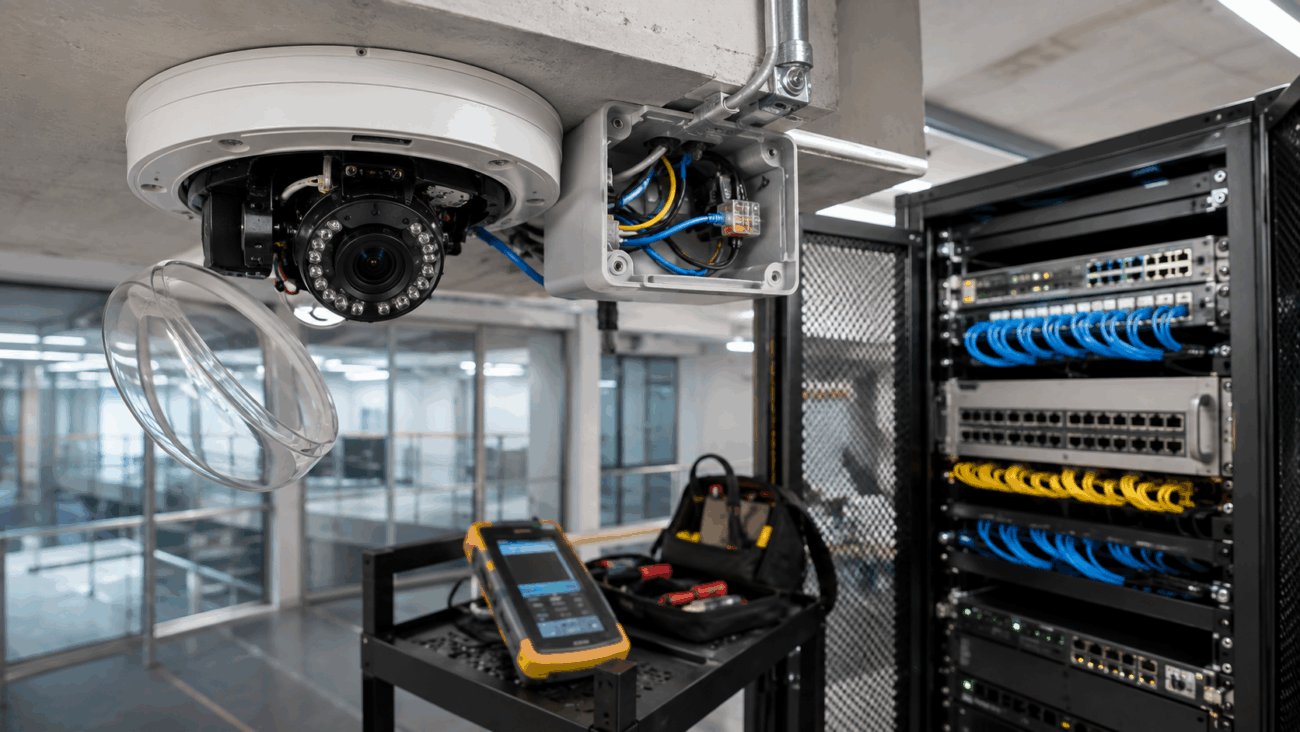
The visible camera is only the endpoint of a larger chain. A business surveillance system may depend on ceiling or wall access, exterior-rated mounting, conduit or other pathway protection, telecommunications rooms, copper or fiber cabling, patching, PoE switches, uplinks, IP addressing, time synchronization, an NVR or video management system, storage, user roles and remote-access controls. If one layer is underspecified, a technically functioning camera can still fail the business requirement.
That is why the project scope should be assembled from the use case inward. A loading dock that must show vehicle approach, trailer activity and handoff events has a different design problem from a reception entrance that must provide a clear face view at short range. A parking approach may have headlight glare and long sightlines; a warehouse aisle may have high mounting positions and repetitive geometry. Camera count should therefore be an output of coverage engineering rather than an arbitrary starting number.
Start with the site and the evidence requirement
A productive survey does more than mark camera dots on a floor plan. It records the purpose of each view, expected subject distance, lighting direction, day/night change, obstructions, mounting height and the physical route back to the network or recorder. It should also identify occupied-work constraints: working hours, lift access, ceiling restrictions, tenant coordination, dust control, protected finishes and any area where a cable route crosses other building work.
The question “what does the reviewer need to see?” is more useful than “how many megapixels should we buy?” Resolution matters, but useful video depends on the entire imaging chain: lens selection, field of view, subject size in the image, focus, shutter behavior, lighting, compression and the actual scene. A wider view spreads available image detail across more of the scene. A narrower view can provide more useful detail at a specific entry or transaction point. The correct choice follows the evidentiary task.
Project boundary: do not assume the existing LAN is automatically ready for IP video. Confirm available switch ports, PoE headroom, uplink capacity, rack space, network ownership and the route from every proposed camera position. Starlight Cabling’s structured cabling service page is the relevant adjacent scope when new copper or fiber pathways are part of the surveillance project.
Design the camera network as security infrastructure
IP cameras are networked computing devices. The design therefore has to address both video performance and cyber risk. NIST’s IoT Device Cybersecurity Capability Core Baseline frames connected-device procurement around capabilities such as identification, configuration, data protection, logical access and software updating. For a commercial camera system, those principles translate into practical requirements: unique credentials, controlled administrative access, supported firmware, documented device ownership, defined remote-access methods and a process for removing access when staff or vendors change.
Network segmentation is a common design control because cameras and recorders do not need unrestricted access to unrelated business systems. The exact VLAN, routing and firewall design belongs to the organization’s IT policy, but the surveillance contractor and IT team should agree on addressing, switch ports, management access and remote viewing before commissioning. That coordination should happen before deployment rather than after cameras are live, because credential ownership, remote access and network placement are much harder to standardize once multiple sites have grown organically.
Interoperability requires model-level verification. ONVIF identifies standardized profiles for IP physical-security products, and its current Profile T guidance covers advanced video streaming features including H.264/H.265, imaging settings, metadata and certain event capabilities. ONVIF has also announced that Profile S support ends March 31, 2027 and recommends Profile T for new work. “ONVIF compatible” should not be treated as a universal feature promise; verify the exact camera and client/VMS conformance needed for the project.
Every downstream choice should trace back to an operational requirement. If a camera, cable run, switch upgrade, recorder license or storage allocation cannot be linked to a defined requirement, the scope needs another review.
Match camera characteristics to the scene
Commercial systems rarely benefit from specifying one camera model everywhere simply for purchasing convenience. A consistent platform can simplify administration, but scene requirements still vary. Exterior exposure, strong backlight, low-light operation, vandal risk, mounting height, lens range, infrared behavior, analytics, audio capability and environmental ratings all need to be evaluated against the physical location.
| Scene | Design priority | Questions to resolve |
|---|---|---|
| Controlled entrance | Usable subject detail | Is the face view frontal enough? How does daylight through glass affect exposure? |
| Warehouse / dock | Long sightlines and activity context | Are mounting height, glare, moving equipment and pathway protection addressed? |
| Retail / transaction area | Context plus event review | Does the view show the relevant counter, approach and surrounding movement without unnecessary intrusion? |
| Parking approach | Night contrast and directional coverage | How will headlights, distance, weather and vehicle movement affect the intended evidence? |
Recording design follows the same principle. Retention days alone do not determine storage. Camera count, stream bitrate, resolution, frame rate, scene complexity, compression, recording schedule and resilience all affect capacity. If the system records continuously, storage demand differs from a system using event-driven recording. If the organization needs rapid incident export across several sites, recorder architecture and user permissions become operational requirements, not just IT details.
California licensing, privacy and audio require deliberate scope decisions
For commercial security camera installation in California, procurement should include contractor-license and privacy checks instead of assuming they are separate from the technical project. The California Contractors State License Board’s C-7 Low Voltage Systems Contractor classification expressly includes closed-circuit video systems among the low-voltage systems covered by the classification. CSLB also states that contracting work generally requires a current license when the project needs a building permit, uses workers, or reaches $1,000 or more in combined labor and materials; buyers can review the agency’s current licensing threshold guidance and use the official CSLB license lookup for the contractor they intend to hire.
Those rules describe California licensing generally; they do not establish the license status of Starlight Cabling or any other company unless the specific business is separately verified in the CSLB database. Project-specific permit, firestopping, pathway, electrical or inspection requirements can also depend on the scope and the authority having jurisdiction. Treat those as site-specific determinations rather than generic assumptions.
Privacy is equally location-sensitive. California Labor Code section 435 prohibits an employer from causing audio or video recording of an employee in a restroom, locker room or employer-designated changing room unless authorized by court order. Audio is a separate legal issue: Penal Code section 632 restricts intentional recording of confidential communications without consent of all parties. A camera with an integrated microphone therefore deserves explicit review rather than default activation.
For businesses subject to the California Consumer Privacy Act, video or related information may also become part of a broader personal-information governance program. The California Privacy Protection Agency’s current CCPA FAQ notes that California-resident employees and job applicants are among the people with CCPA rights when the business is covered by the statute. Surveillance retention, access, disclosure and deletion practices should therefore be coordinated with the organization’s privacy, HR and legal policies where applicable.
Do not place workplace cameras in restrooms, locker rooms or employer-designated changing rooms. Treat microphone use as a separate legal design decision, and confirm any additional facility-specific privacy, labor, contractual or regulatory constraints before deployment.
A practical workflow from survey to acceptance
A disciplined commercial security camera installation sequence reduces late changes because each stage produces information needed by the next. The workflow is particularly important in occupied offices, retail properties, warehouses and multi-tenant buildings where access, ceiling work and cutover windows can limit the installation schedule.
- Define use cases. Identify the incidents or operational questions the system must help detect, review or verify.
- Survey the facility. Record candidate views, lighting, mounting conditions, pathways, network-room location and access constraints.
- Engineer coverage. Select lens and camera characteristics for each scene instead of applying one model indiscriminately.
- Plan cabling and PoE. Map the physical route, patching, switch port, power requirement and any backbone dependency.
- Design recording and access. Define retention, storage, user roles, remote access, time synchronization and export procedure.
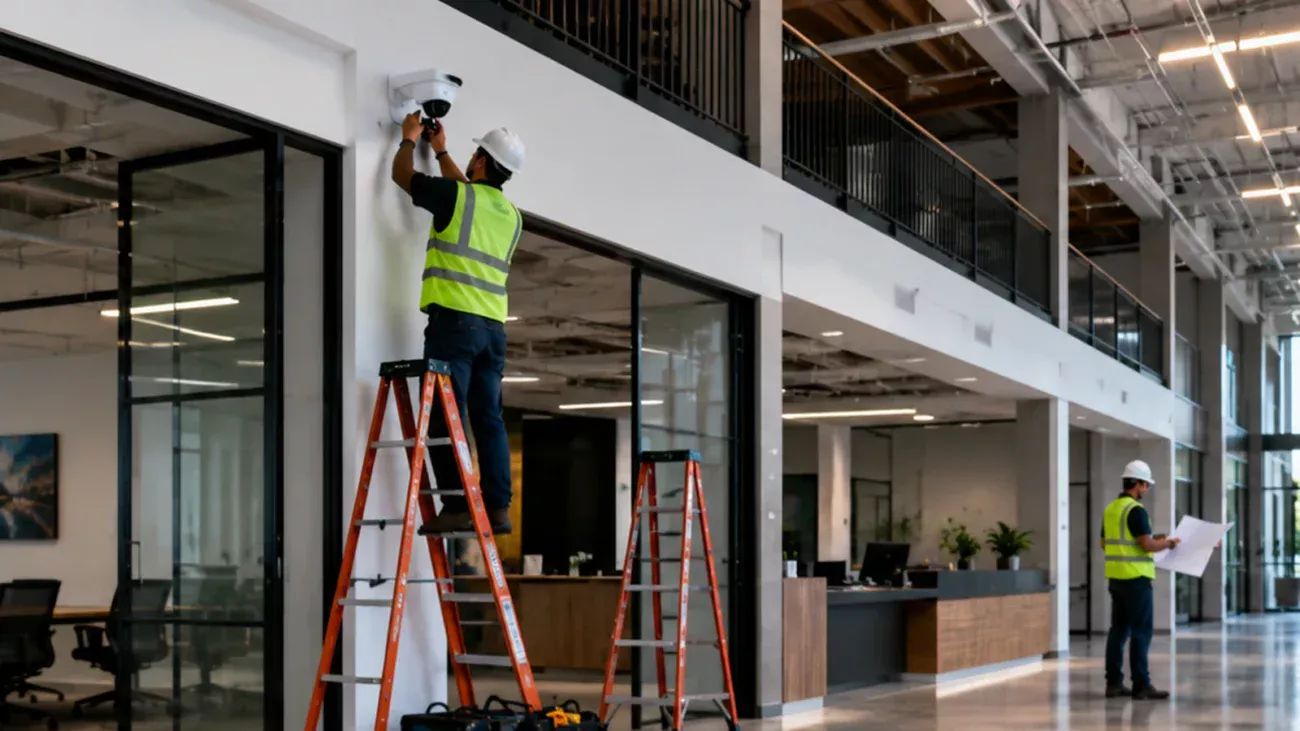
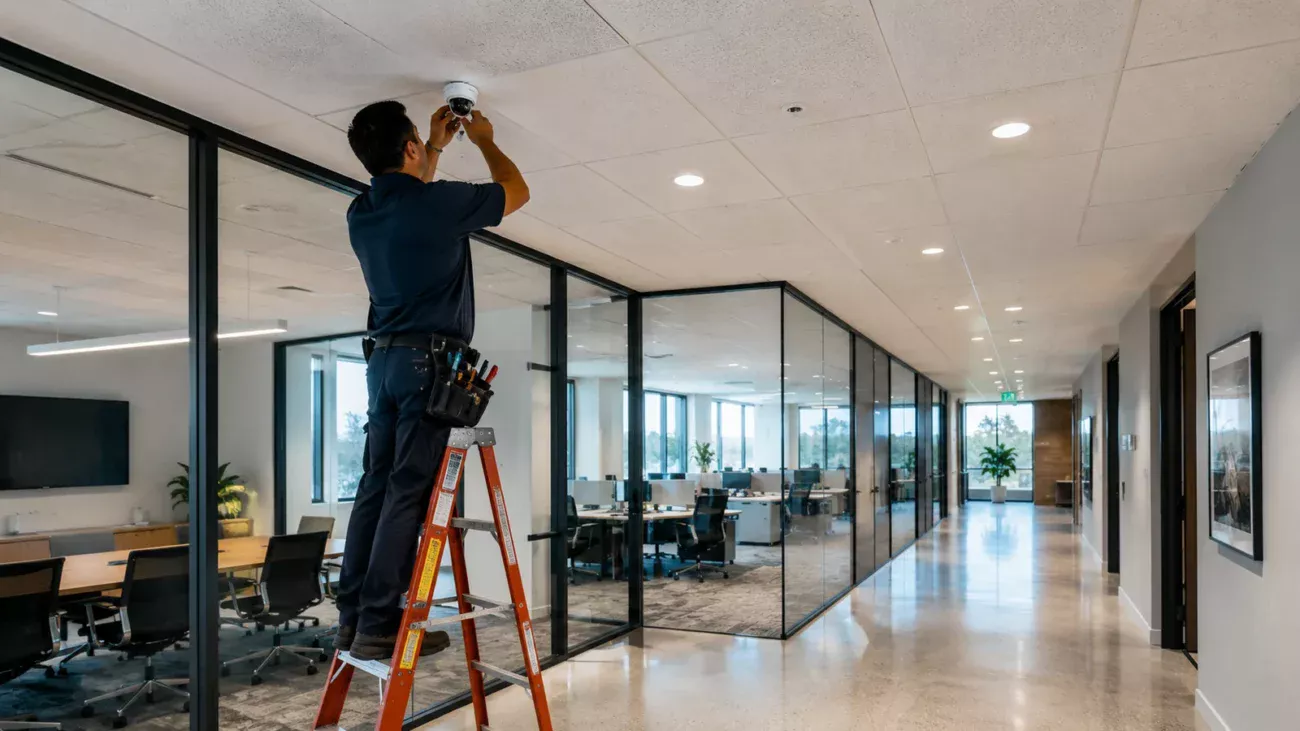
- Install and label. Mount securely, protect cable entries, terminate cleanly and keep rack work serviceable.
- Configure and harden. Apply unique credentials, supported firmware, least-necessary permissions and documented network settings.
- Commission in real conditions. Test day/night views, live video, playback, timestamps, events, exports and authorized remote viewing.
Acceptance should prove the business requirement
“Camera online” is not an acceptance test. The owner should be able to confirm that the intended subject is visible in the required scene, recorded playback is usable, timestamps are correct, expected events are captured, authorized users can retrieve and export footage, retention behaves as designed and unauthorized users cannot access the system. Any unresolved blind spot, damaged pathway, missing label, credential ambiguity or storage exception should remain an open item until documented.
This is also the right time to transfer administration. The business should know who owns the camera and VMS accounts, which network contains the devices, how firmware updates are handled, how remote access is provided, who can export footage and what happens when an employee or service provider no longer needs access.
Retrofit projects need verification before reuse
Existing camera systems often contain undocumented constraints: abandoned coax, mystery Ethernet runs, unmanaged switches, limited PoE capacity, old firmware, inaccessible junction boxes, inconsistent camera names or recorders that no longer receive updates. Reusing infrastructure can save time and money, but only after the cable, pathway, switch, recorder and software stack have been tested against the new design.
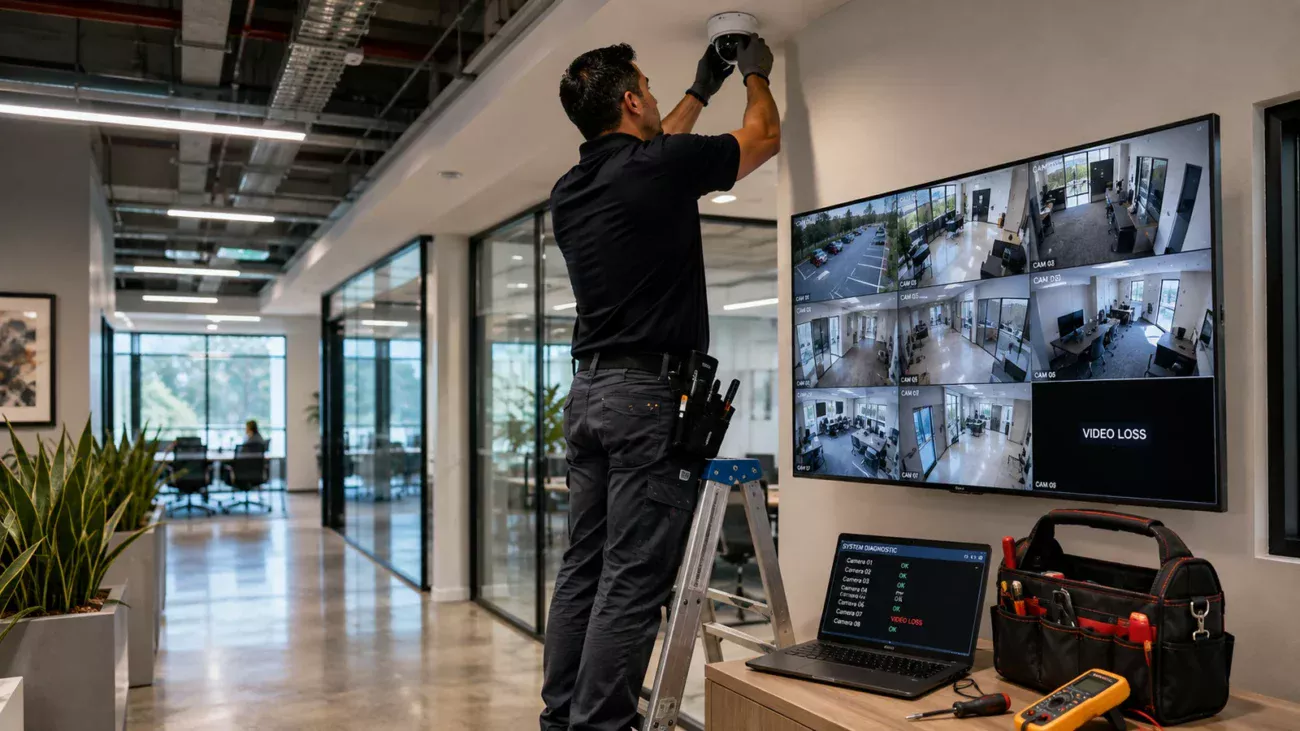
For a retrofit commercial security camera installation, the cutover plan matters as much as the final topology. A warehouse, hotel, retail site or multi-tenant property may not tolerate an extended surveillance outage. Staging new switching or recording first, then migrating camera groups, can create a more controllable change window. If the existing system is already unstable, Starlight Cabling’s commercial CCTV troubleshooting framework and security-camera power fault guide show why shared power, cabling, switching and recorder dependencies should be isolated before cameras are replaced in bulk.
If you are planning commercial security camera installation for an Orange County office, warehouse, retail property or other commercial facility, Starlight Cabling can review the physical site, cabling pathways and CCTV/network requirements before equipment is finalized.
What should be in the proposal and handoff
Proposal comparison becomes much easier when each bidder is pricing the same scope. Ask for camera quantities and models, mounts, recording platform, storage assumptions, switches, cabling, pathways, rack work, software or subscription items, installation labor, configuration, testing, training and exclusions. If lifts, permits, after-hours work, patching, electrical work or internet service are excluded, that should be visible before award.
| Deliverable | Why it matters | Minimum useful content |
|---|---|---|
| Camera schedule | Defines each endpoint | Name, location, model and purpose of view |
| Network record | Supports IT operations | Switch/port, VLAN or subnet and addressing approach |
| As-built plan | Reduces future discovery work | Final device locations and cable pathways |
| Credential handoff | Clarifies ownership | Admin roles, recovery process and access responsibility |
| Acceptance record | Shows what was commissioned | Views tested, playback/export checks and open items |
A well-documented system leaves the owner less dependent on tribal knowledge. It also makes future expansion, troubleshooting and vendor changes more manageable. If budget comparison is the immediate task, Starlight Cabling’s commercial security camera installation cost guide separates the budget into equipment, infrastructure, labor, recording and other scope drivers rather than treating every camera as an identical installed unit.
Questions to ask before approving the project
- What operational or evidentiary purpose does each proposed camera position serve?
- Which existing cables, switches, racks or recorder components are being reused, and how were they verified?
- What PoE and switch capacity remains after the new cameras are added?
- How will camera traffic and management access be separated from unrelated business systems?
- Who owns administrator credentials, firmware updates and remote-access policy after handoff?
- What assumptions were used for recording retention and storage sizing?
- Is audio disabled unless there is a defined and reviewed reason to use it?
- What commissioning tests define an acceptable finished system?
- What drawings, labels, account records and acceptance documents will be delivered?
These questions expose scope gaps before they become change orders or operational problems. A lower bid may omit cabling remediation, switch upgrades, storage, access equipment, after-hours work, documentation or commissioning that another bidder includes. Compare equivalent scope before comparing the total price.
The standard for a maintainable system
The strongest commercial security camera installation is not necessarily the one with the most cameras, the highest advertised resolution or the longest analytics list. It is the system in which every camera has a defined purpose, every endpoint has a known network and power path, recording assumptions are documented, access is controlled, privacy-sensitive features are considered deliberately and the owner can retrieve the footage the system was installed to produce.
For new construction, those requirements should enter coordination early with the architect, electrical team, IT staff and other trades. For occupied retrofits, verify what can be reused and plan a staged cutover. In both cases, insist on commissioning and a usable handoff. Months or years after installation—when a camera fails, a switch is replaced, an employee leaves or another site is added—the quality of the original documentation becomes part of the system’s reliability.
That is the practical benchmark for commercial security camera installation: engineered coverage, supportable low-voltage and network infrastructure, controlled access, evidence that has been tested in real conditions, and documentation that lets the business maintain the system without starting from zero.
Related Starlight Cabling Guides
Sources and Verification
- California Contractors State License Board — C-7 Low Voltage Systems Contractor classification. Used for the scope of the C-7 classification and its inclusion of closed-circuit video systems.
- California Contractors State License Board — who must be licensed. Used for the current $1,000 combined labor/material threshold and the permit/worker conditions.
- California Legislative Information — Labor Code section 435. Used for prohibited workplace recording locations.
- California Legislative Information — Penal Code section 632. Used for confidential-communication audio recording restrictions.
- California Privacy Protection Agency — CCPA FAQs. Used for current coverage and employee/job-applicant privacy context.
- NIST — IoT Device Cybersecurity Capability Core Baseline. Used for connected-device security capabilities relevant to IP surveillance procurement.
- ONVIF — Profile T. Used for current IP-video interoperability and streaming feature context.
Featured photo credit: Łukasz Klimkiewicz / Pexels